Citrix DaaS
This Integration is part of the Citrix Pack.#
Supported versions
Available on Cortex XSIAM.
Citrix DaaS simplifies the delivery and management of Citrix technologies.
Configure Citrix DaaS in Cortex#
| Parameter | Description | Required |
|---|---|---|
| Server URL | True | |
| Client Id | True | |
| Client Secret | True | |
| Customer ID | True | |
| Site Name | False | |
| Max events per fetch | The maximum amount of events to retrieve. This requires the configuration logging database to be configured and enabled. Results are returned in the order of most-recent to least-recent. | False |
| Trust any certificate (not secure) | False | |
| Use system proxy settings | False |
Configuration steps#
Prerequisites#
Get Access to Citrix Cloud
Sign up for a free Citrix Cloud account, or log in to Citrix Cloud.
Citrix Cloud API Access with Service Principals To create and set up a service principal:
Open the Citrix Cloud console and click the menu icon in the upper-left corner.
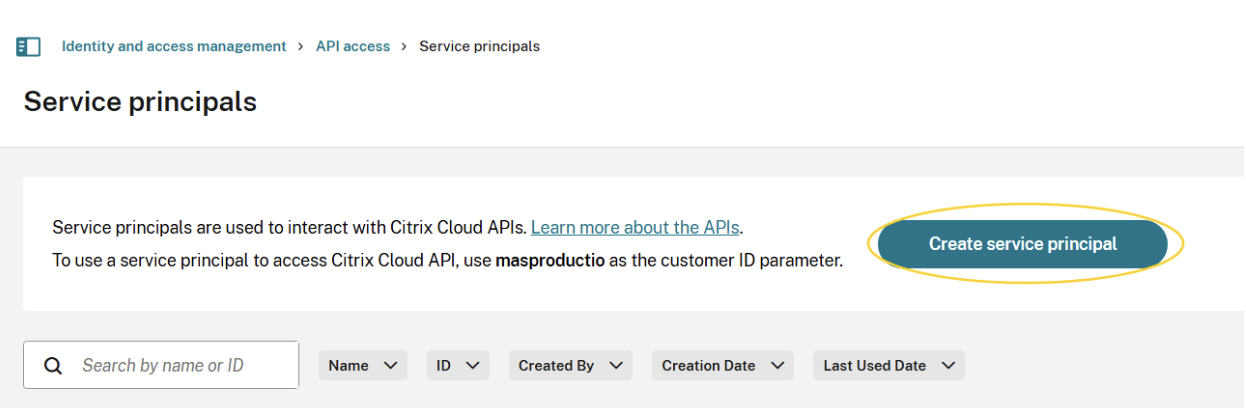
Select Identity and Access Management > API Access > Service principals > Create service principal and follow the steps to complete the setup. If these options do not appear, you may not have sufficient permissions to manage service principals. Contact your administrator to get the required full access permission.
Add the credentials to your secret management tool as the secret is only displayed once.
Get the Customer ID (a required parameter for the Citrix-CustomerId header). a. Log in to the Citrix Cloud. b. From the menu, select Identity and Access Management. c. Click the API Access tab. You can see the customer ID in the description above the Create Client button.
Locate your tenant's Citrix Cloud ID#
- Log in to https://citrix.cloud.com
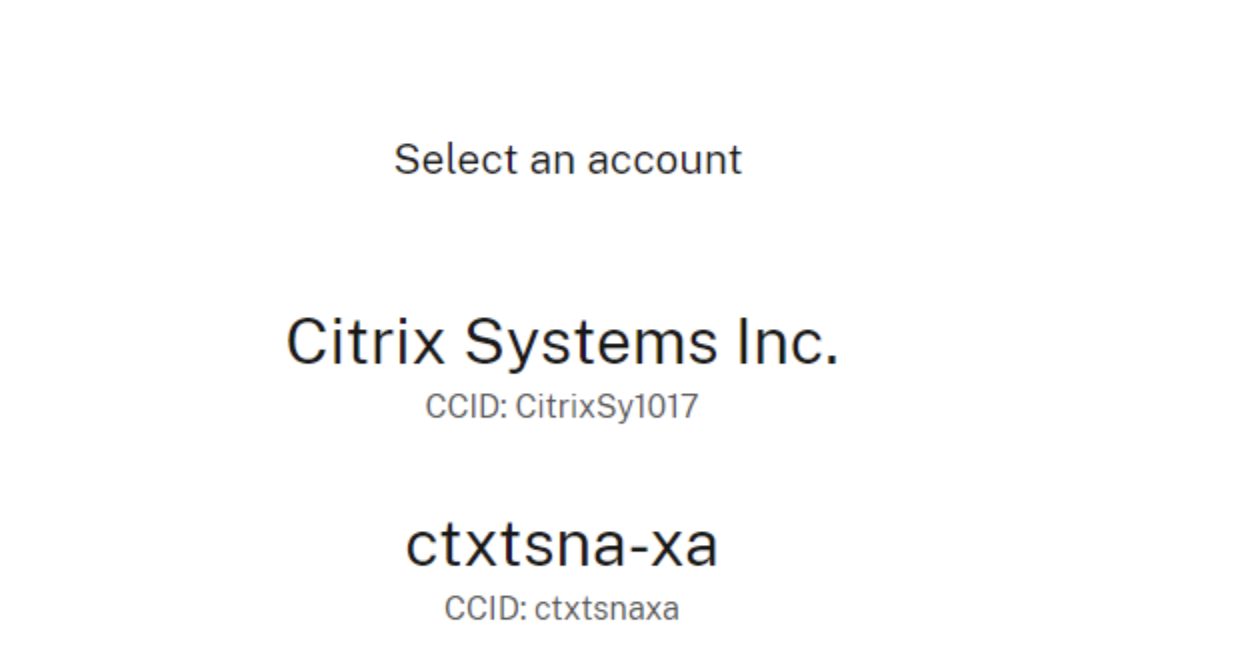
- If you have access to multiple tenants, select the relevant one from the list of tenant names and Citrix Cloud IDs and sign in to it.
The tenant's Citrix Cloud ID (for example, ctxtsnaxa) is displayed at the top right corner of the screen.
Commands#
You can execute these commands from the CLI, as part of an automation, or in a playbook. After you successfully execute a command, a DBot message appears in the War Room with the command details.
citrix-daas-get-events#
Extracts Citrix configuration log events. Use with caution during development or debugging; this command may trigger event duplication or exceed API request limits.
Base Command#
citrix-daas-get-events
Input#
| Argument Name | Description | Required |
|---|---|---|
| should_push_events | Set to True to create events; otherwise, the command only displays the events. Possible values are: true, false. Default is false. | Required |
| limit | The maximum number of logs to return. Default is 10. | Optional |
| search_date_option | Time filters for search operations. | Optional |
Context Output#
There is no context output for this command.